---
title: "vFullscreenImg"
description: "vFullscreenImg is a Vue directive that opens an image in fullscreen on click, with zoom and navigation between the images of a group"
package: "maz-ui"
url: "https://maz-ui.com/directives/fullscreen-img"
---
# vFullscreenImg
> vFullscreenImg is a Vue directive that opens an image in fullscreen on click, with zoom and navigation between the images of a group
- Package: `maz-ui`
- Import: `import { vFullscreenImg } from 'maz-ui/directives/vFullscreenImg'`
- Web: https://maz-ui.com/directives/fullscreen-img
## Basic usage
```vue
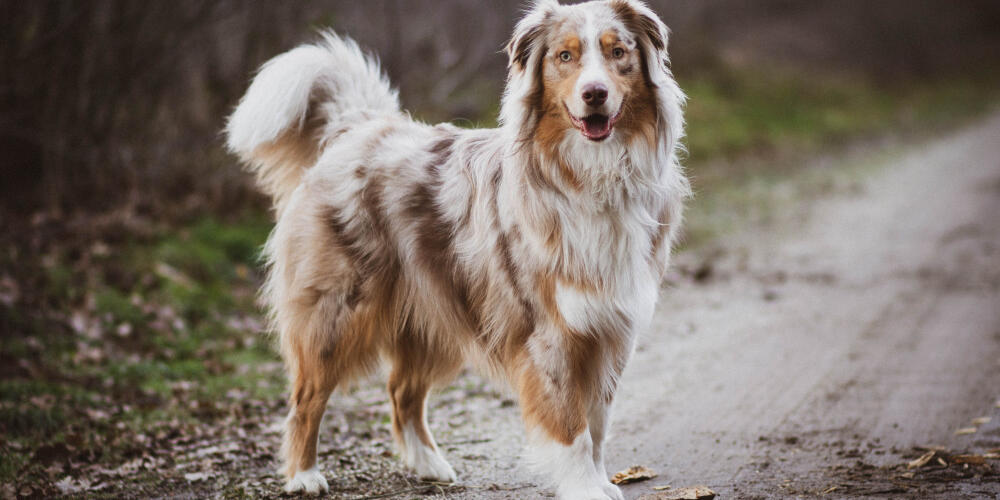 ```
## With animate options
```html
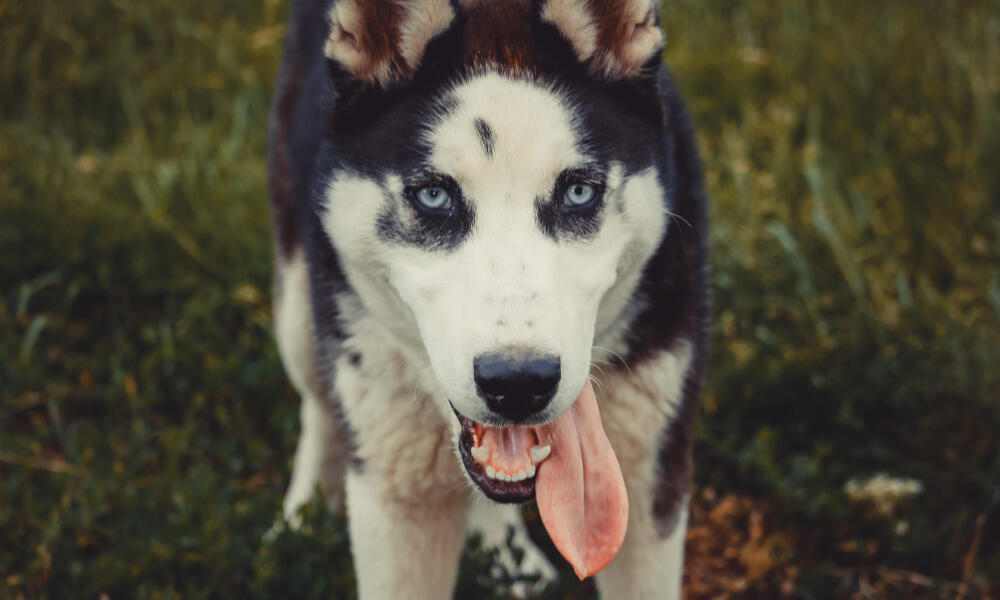 ```
## On custom element
```html
Click me to show image
```
## Global install
### Vue
`main.ts`
```ts
import { createApp } from 'vue'
import { vFullscreenImgInstall } from 'maz-ui/directives/vFullscreenImg'
const app = createApp(App)
app.use(vFullscreenImgInstall)
app.mount('#app')
```
### Nuxt
Please refer to the [Nuxt module documentation](https://maz-ui.com/ecosystem/nuxt.md) for more information.
## Types
```ts
interface vFullscreenImgBindingOptions extends vFullscreenImgOptions {
src: string
alt?: string | null
}
export type vFullscreenImgBindingValue = string | vFullscreenImgBindingOptions | undefined
```